Golden Star Casino Mobile App & Mobile Play
 Available in US
The verified Golden Star mobile option is an installable browser-based web app rather than a confirmed native App Store or Google Play download. Golden Star currently publishes an Install App page with Android and iOS routes, and its Android instructions tell users to open the site in Chrome, use the browser menu and choose the install option. No native Apple App Store or Google Play listing was verified for this review.
For an Australian reader, that distinction matters. A browser-installed web app can place a Golden Star shortcut on the home screen without requiring an APK or a store package. It is still the website delivered through the browser environment, so the safest route is to start from Golden Star’s own site rather than a third-party download page. The mobile site exposes the same broad product areas that matter for a normal visit, including casino games, promotions, account access and support, but this guide does not claim perfect feature parity across every device or browser.
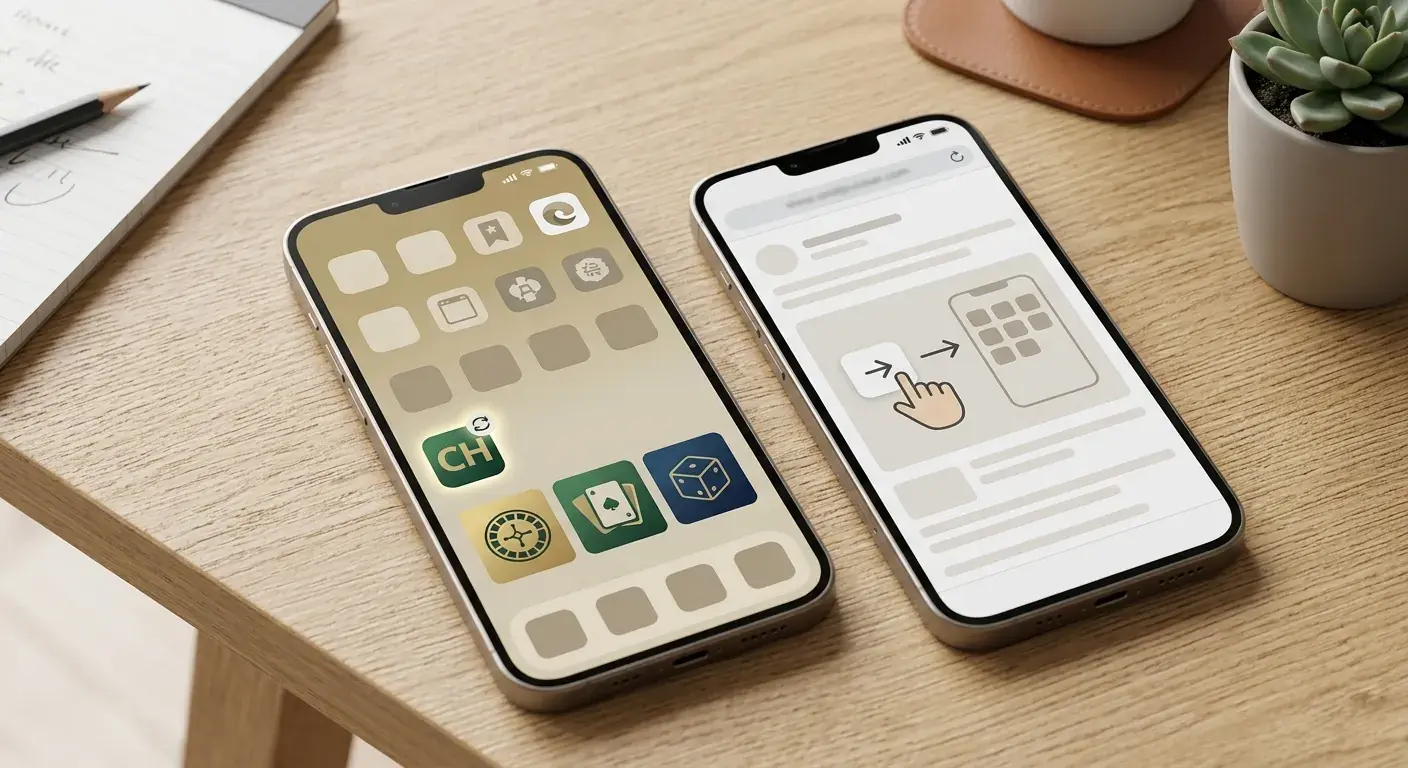
Table of Contents
- Golden Star app: what is actually verified
- PWA versus native app in plain English
- How to install the browser app safely
- What you can sensibly check on mobile
- Sign-in and account access from a phone
- KYC on mobile: useful, but do not assume identical upload screens
- Mobile cashier checks before depositing
- Games on a PWA are still web-delivered games
- Troubleshooting the Golden Star web app
- Mobile decision checklist for Australian readers
- Bottom line: the verified Golden Star mobile route
Golden Star app: what is actually verified
Golden Star’s public Install App page presents separate Android and iOS headings. The Android flow is explicit: open Golden Star in Chrome, open the browser menu, select the install option and confirm installation. That is the behaviour of an installable web experience, commonly described as a progressive web app or PWA.
A PWA is not the same thing as a native app distributed through Apple’s App Store or Google Play. It uses web technology, is launched from a home-screen icon and can feel app-like, but the browser and website remain the delivery layer. At review time, the evidence supports Golden Star’s browser-install route and does not support telling readers to search for or download a native store package.
This difference also creates a simple safety rule: do not install a third-party APK that claims to be Golden Star. If the official site changes its install instructions, follow the current first-party route rather than an old download guide.
PWA versus native app in plain English
| Mobile route | How it is obtained | What this review verifies |
|---|---|---|
| Responsive mobile website | Open the site in a phone browser | The Golden Star site has mobile navigation and product pages |
| Installable web app / PWA | Use the browser’s install or home-screen option | Golden Star publishes Android and iOS install guidance |
| Native iOS app | Apple App Store listing | No native store listing was verified |
| Native Android app | Google Play listing or official native package | No Google Play listing was verified, and this guide does not recommend unofficial APK files |
The practical advantage of this distinction is clarity. If a reader asks for the Golden Star Casino app, the answer is not “download any file with the brand name”. The verified route is to use Golden Star in a supported mobile browser and, if desired, install the web app from that browser.
How to install the browser app safely
- Navigate to Golden Star through its official website rather than a download mirror.
- Open the official Install App guidance and select the instructions for your device.
- On Android, the current first-party instructions use Chrome’s menu and its install command.
- On iPhone or iPad, use the current iOS instructions shown by the official site because browser wording can change with iOS versions.
- After installation, confirm that the shortcut opens the expected Golden Star web address before entering account credentials.
Browser menus vary, so this page avoids pretending that every Android skin or iOS release uses identical button labels. The official install page is the better source when a browser update changes the exact sequence.
What you can sensibly check on mobile
The Australia-localised Golden Star route currently exposes casino navigation that includes slots, live casino and crash games, while the wider site also surfaces account entry points and support. Those observations are enough to treat mobile access as more than a static promotional page, but they do not establish identical behaviour for every cashier method, game provider or verification step.
Start with the tasks you actually need. Open the Golden Star games guide for the catalogue structure, then test the current mobile lobby to see whether filters and game tiles behave cleanly on your screen. If live dealer play matters, check orientation, stream stability and table controls directly rather than assuming desktop performance carries over.
For banking, use the Golden Star payments guide to understand the method categories, then inspect the live cashier on your account. Method availability can depend on account, currency, location and payment provider, so another user’s view is not a reliable substitute for the current cashier.
Sign-in and account access from a phone
Golden Star’s public pages expose Login and Sign up entry points in the mobile navigation. The account mechanics themselves are covered in the account and login guide, because registration, password recovery and duplicate-account rules are account questions rather than app features.
On a phone, focus on secure access habits. Enter credentials only on the official domain, do not save passwords on a shared device, and avoid links in messages that send you to an unexpected host. A home-screen web app can look like a native app, which makes checking the destination domain particularly important after reinstalling or changing devices.
If login recovery is needed, Golden Star’s current FAQ directs users through its own reset-password flow and then to support if recovery does not work. That is preferable to using an unofficial recovery service or sending documents to an address copied from an unverified forum.
KYC on mobile: useful, but do not assume identical upload screens
Golden Star’s current 2026 terms confirm that identity verification can require a government-issued photo ID, proof of address and additional evidence such as proof of the payment method. Those are account-level requirements, not special mobile requirements. A phone may be convenient for photographing or uploading documents, but this review does not claim that every verification step is available through the same mobile screen.
The dedicated Golden Star KYC guide covers the document categories and verification logic in detail. On mobile, the useful preparation is simple: make sure documents are readable, avoid cropping required information, use a private connection and follow the current first-party upload route shown in the account.
Do not send identity files through a third-party app merely because it claims to speed up casino verification. The verification destination should be part of Golden Star’s current account or an official support process.
Mobile cashier checks before depositing
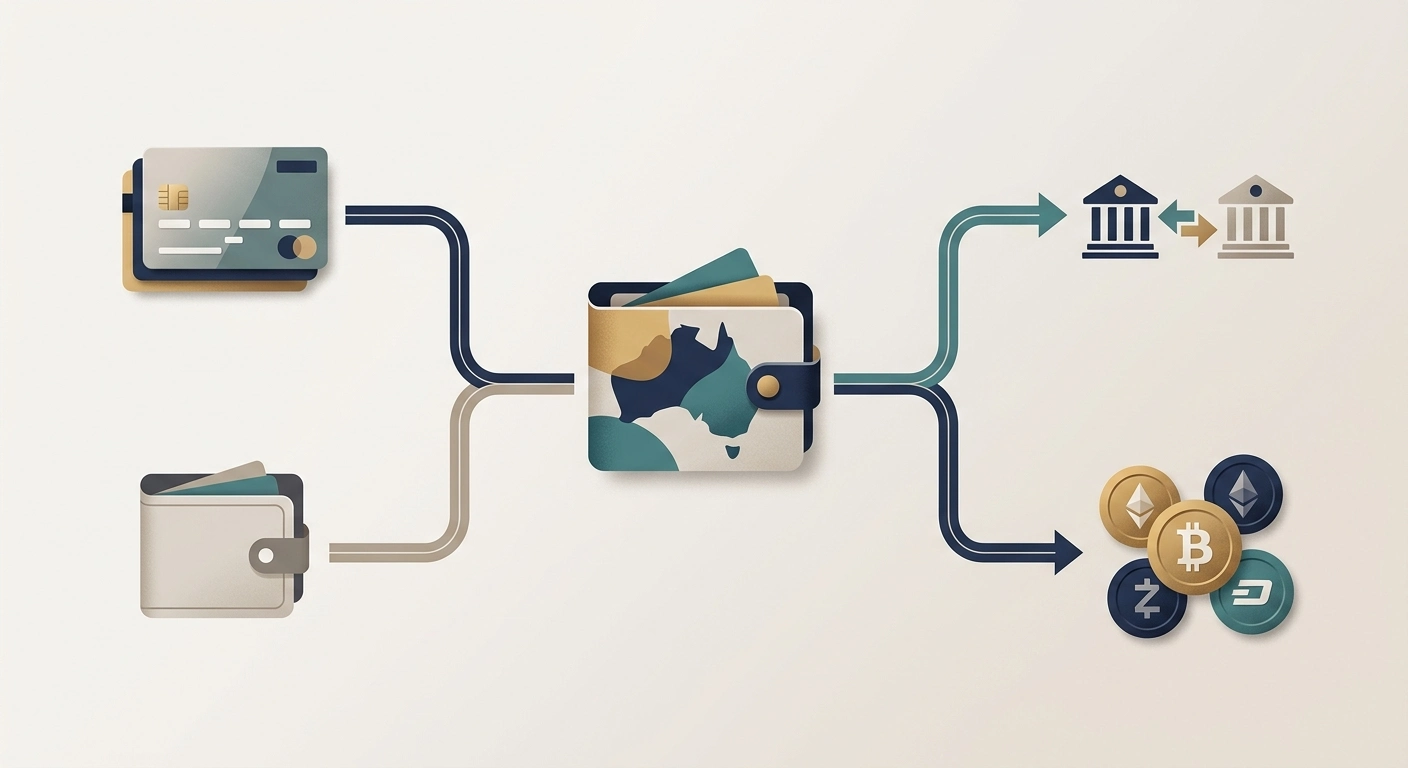
A small screen can hide details that are obvious on desktop, so do not treat a prominent deposit button as enough information. Before confirming a transaction, check the selected currency, method, amount and any terms displayed for that method. Golden Star’s current terms support AUD and broad payment categories including cards, e-wallets, bank transfers and cryptocurrencies, but the exact method set should be read from the live cashier.
It is also worth checking whether the browser is filling old card or address data automatically. Autofill saves time but can create errors when several people use a device or when an address has changed. Account information should match the identity data used for verification.
If a mobile cashier page appears incomplete, switching orientation or using the normal browser view can help diagnose a layout problem. Do not interpret a temporary rendering issue as proof that a payment method has been removed.
Games on a PWA are still web-delivered games
Installing Golden Star to the home screen does not turn the casino catalogue into a separate native game library. The web app is a convenient entry point to the site’s current mobile catalogue. That matters when troubleshooting: provider restrictions, browser compatibility and connection quality can affect individual games even when the web app itself opens normally.
For slots and pokies, use the site’s provider and category filters where available rather than assuming that every title mentioned in a desktop review will load on a phone. For live casino, remember that video bandwidth and screen layout matter more than they do for a static lobby. For crash games, responsiveness and clear controls are the practical checks.
A useful mobile test is therefore task-based: can you sign in, locate the category you want, open a game, return to the lobby, reach support and inspect the cashier without losing context? That tells you more than whether the icon looks like a native app.
Troubleshooting the Golden Star web app
The install option does not appear
Open the official install page in a mainstream mobile browser and check the browser menu. Installation prompts can depend on browser version, prior installation state and device settings. Do not solve a missing browser option by downloading an unrelated APK.
The shortcut opens in a normal browser tab
A web app remains web-based. Behaviour can vary by browser and operating system, and an update can change how the shortcut launches. Confirm that the destination is the official Golden Star domain.
A game works on desktop but not on mobile
Check the current mobile lobby, provider availability, browser permissions and connection quality. A title-level problem does not necessarily mean the whole mobile service is unavailable.
Login recovery is required
Use the official password-reset process described in Golden Star’s FAQ or contact the site’s official support. Do not create a second account as a workaround.
Mobile decision checklist for Australian readers
- Use the official browser-install route if you want a home-screen icon.
- Do not assume a native App Store or Google Play app exists.
- Do not install an unofficial APK or sideloaded package.
- Confirm the official domain before entering credentials.
- Check games and provider availability in the current mobile session.
- Inspect the live cashier rather than relying on a generic payment list.
- Use official KYC and recovery channels for personal documents.
- Treat Australia-localised presentation as a product interface, not evidence of Australian licensing.
Bottom line: the verified Golden Star mobile route
Golden Star has a verified mobile installation route for Android and iOS, but the evidence supports an installable browser-based experience rather than a verified native store app. That is the key answer to the app question. Use the official Install App page, keep the browser and domain in view, and avoid third-party download packages.
The mobile route is most useful when evaluated by real tasks: account access, finding games, checking the current cashier, reaching support and completing any required verification. The web app can make those tasks easier to launch from a phone, but it does not guarantee identical content or performance across every device. For the wider product and regulatory picture, return to the full Golden Star review.
Created by the ”Golden Star Casino” editorial team.